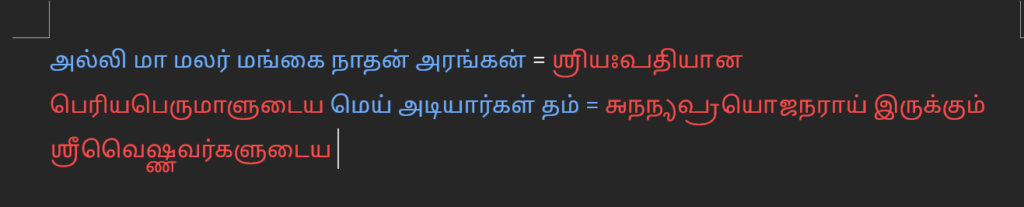
The traditional orthography for MP uses a mixed system that employed both Tamil and Grantha scripts. This may be difficult to typeset if there isn’t a single font that supports both of these scripts. Therefore, we have developed Hayagriva Manipravala that combined Noto Sans Grantha and Noto Sans Tamil into a single font and saves from constantly switching fonts between Tamil and Grantha.
Before you proceed, please make sure you can have downloaded the font and have installed it in your system.
Composing in MP
Please use the Manippavalam editor to compose the MP text as described here.
Once the text has been composed, you can copy the text using the copy button (the first button) at the bottom. Sometimes, the copy button can be moody, and may incorrectly select the text. In such cases, please manually select and copy the text using your mouse.
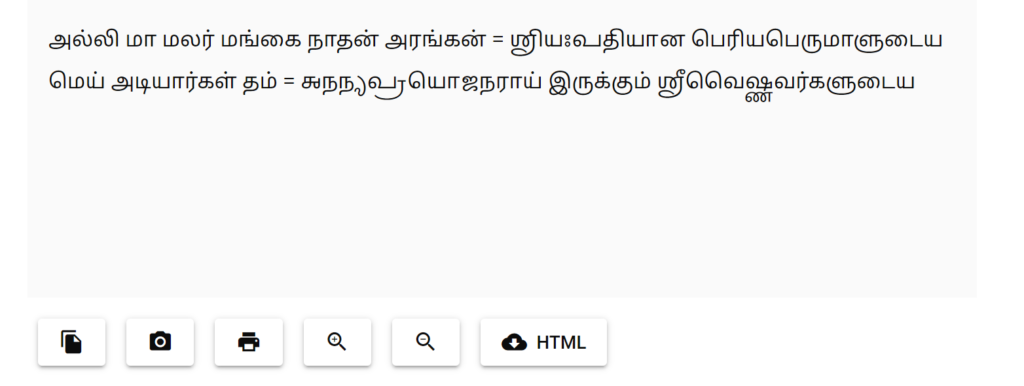
Now you paste the text in a word processor such as Microsoft Word as shown below. Initially, the Grantha may not be visible or shown as boxes. That is fine. We can fix this later.
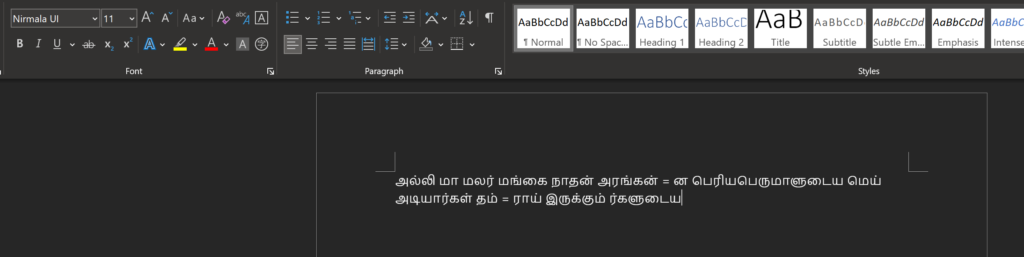
Now, select the text and set the font as Hayagriva Manipravala
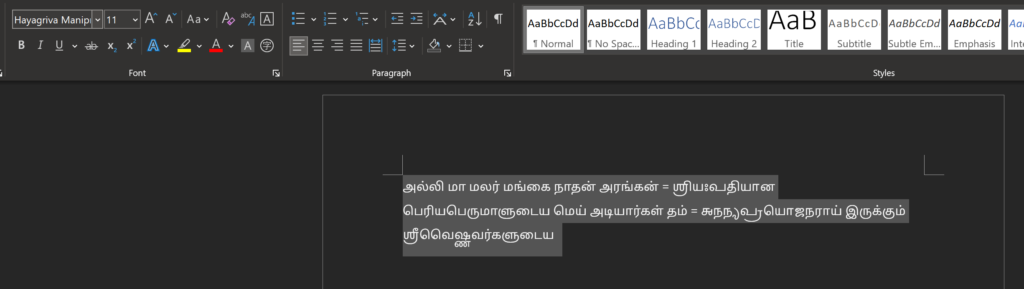
Now, you can format and style the text as you like.